Max Image to Image AI
Transform existing images into fresh variations while preserving the original composition.
Image Upload
Upload an image to use as a reference, maximum 5 images allowed.
We accept .jpeg, .jpg, .png, .webp formats up to 24MB.
Prompt
Describe what you want AI Image to Image to create or change.
Model
Choose the AI model for image generation
Aspect Ratio
Choose the aspect ratio you want to use
Number of Outputs
Choose the number of outputs you want to generate
What is AI Image to Image?
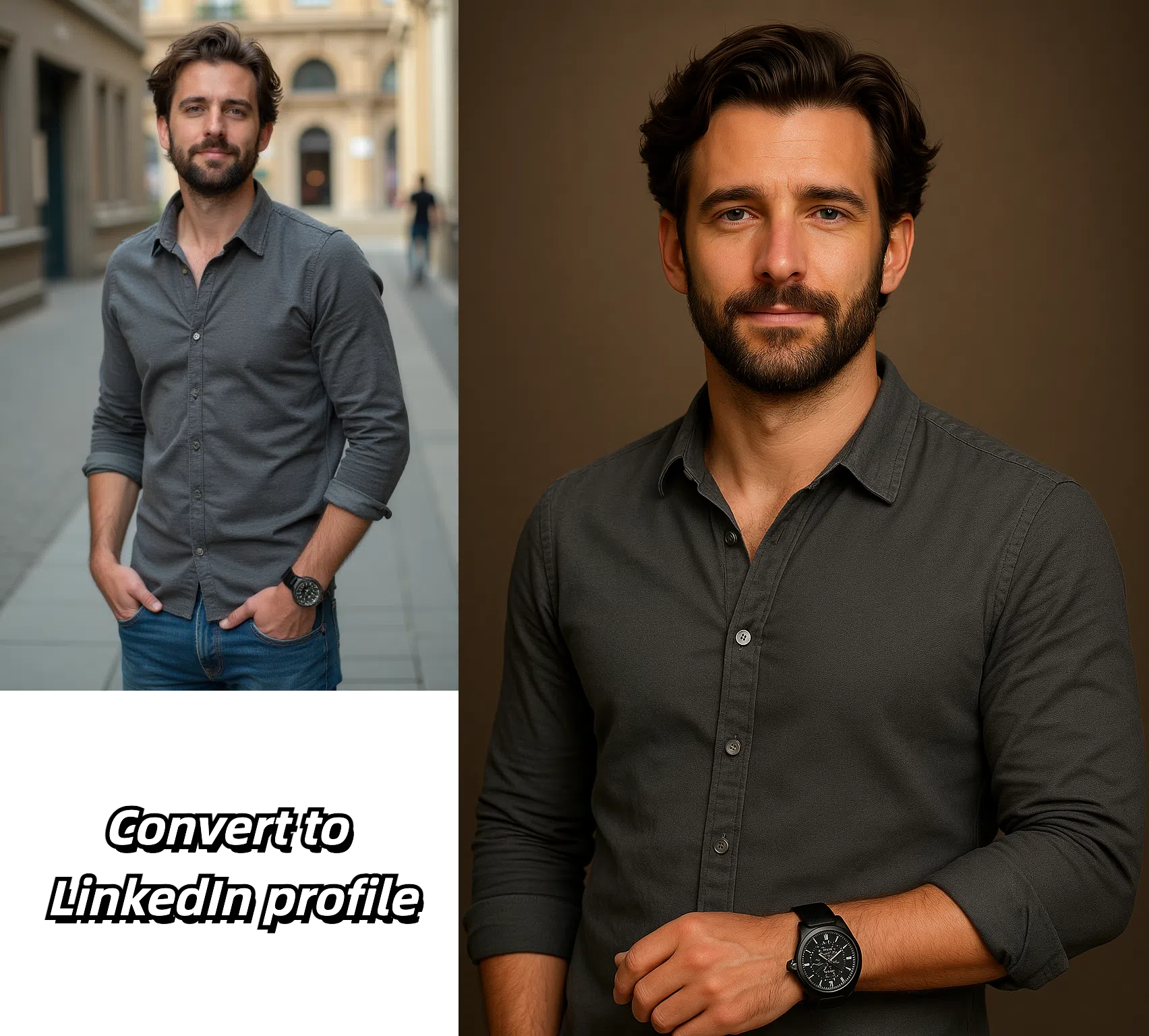
AI Image to Image transforms an image you upload into a new version guided by a text prompt, keeping the original composition, layout, and key elements intact.
Instead of starting from a blank canvas, it reinterprets your source image so you can change style, mood, or details while preserving what matters.
How to Use AI Image to Image
Creating stunning image variations is quick and intuitive:
1. Upload Image
Add the source image you want to transform.
2. Describe Changes
Write a prompt describing the new look you want.
3. Adjust Strength
Set how closely the result should follow your original.
4. Generate Result
Render the new image and download it instantly.
Why Choose AI Image to Image?
Our platform offers unique advantages that make image transformation accessible and powerful:
Composition Preserved
Keeps the structure and key elements of your source image.
Prompt Control
Steer style, color, and detail with simple text instructions.
Adjustable Strength
Balance fidelity to the original against creative change.
Fast Output
Get high-resolution results in seconds, ready to use.
Start Transforming Your Images Today
Upload your first image and experience the power of AI transformation. No design skills required—just your images and ideas.
Transform an Image NowFrequently Asked Questions about Image to Image AI
Learn more about our Image to Image AI transformation capabilities and how to get the best results.
How is this different from text-to-image?
Image to Image uses your uploaded photo as the starting point, while text-to-image creates an image from scratch with no reference.
Will my original composition stay the same?
Yes, the tool preserves the overall layout and key elements while applying the changes from your prompt.
What image formats can I upload?
Common formats such as JPG, PNG, and WebP are supported.
Can I control how much the image changes?
Yes, the strength setting lets you choose between subtle edits and bold transformations.
Do I keep the rights to my results?
You retain ownership of the images you generate and can use them for personal or commercial projects.